Per-buyer criteria
Area and budget saved on the contact.
Agent tools
Know where each buyer wants to live and what they can spend. Property Finder stores preferred area and budget on the contact, builds search links, and helps you send relevant listing follow-up fast.
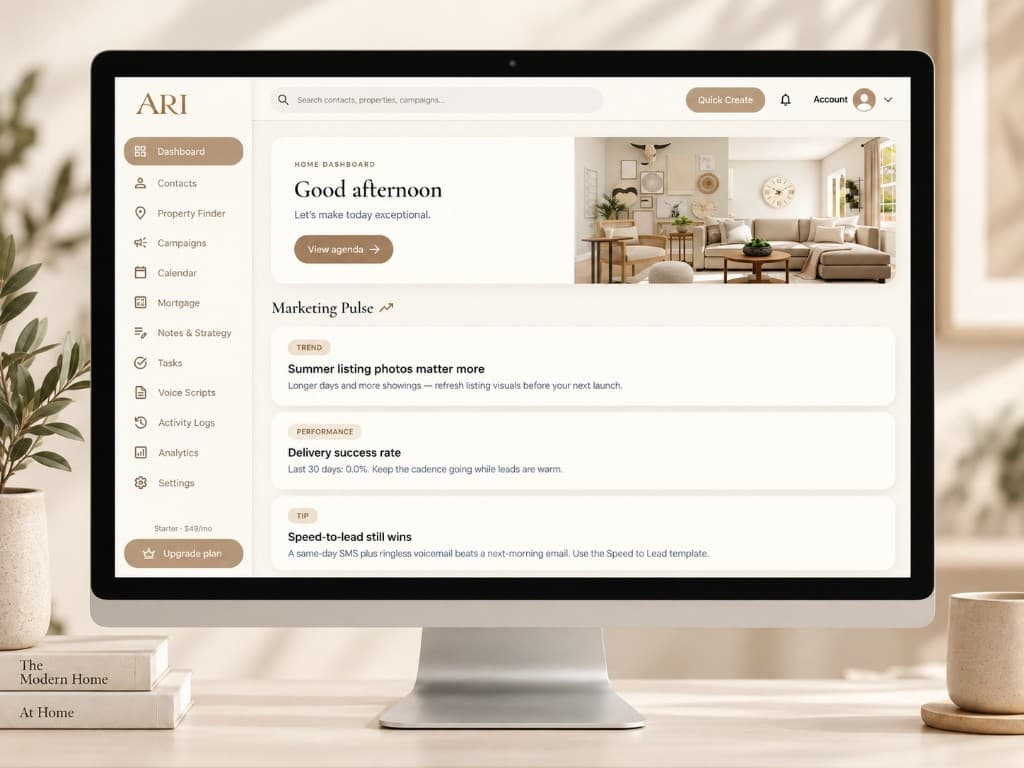
Select a contact, set their target neighborhood and budget, and save criteria to their profile. No more guessing which ZIP code they mentioned three weeks ago.
Generate a property search link from saved criteria (opens an external listing search site in the buyer's browser), copy it, and drop it into an SMS, email, or campaign step - perfect for post-showing follow-up or weekly listing updates.
Area and budget saved on the contact.
Copy search links into any follow-up channel.
Use in nurture emails and listing updates.
Criteria travels with the lead.
Learn how automated lead follow-up works with a 14-day free trial. Card required · no charge until trial ends.
White-glove setup included on every plan. We help import your leads, configure your pipeline, and build your first follow-up campaign.