Stage-based workflow
Pipeline stages designed for real estate.
CRM
See every lead's stage at a glance. Move contacts through your sales pipeline as they respond, schedule showings, or go under contract - with tasks and automation at every step.
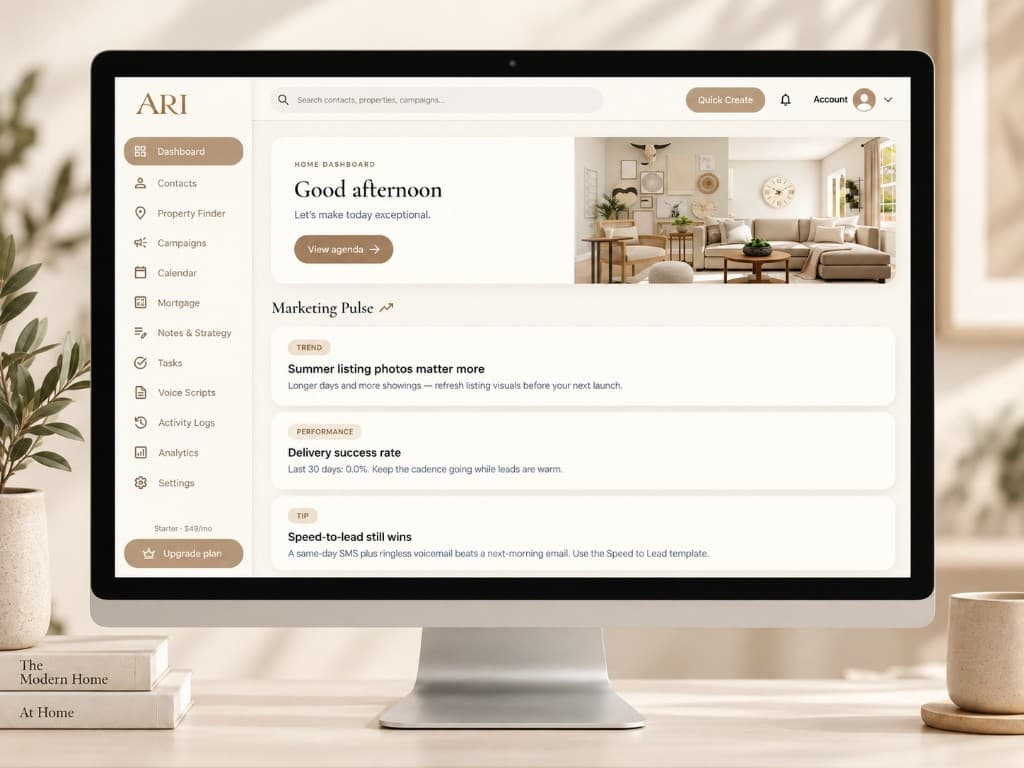
Generic sales pipelines don't fit how agents work. ARI pipeline stages reflect buyer inquiries, listing appointments, active clients, and closed deals - so your board matches your business.
Trigger follow-up campaigns when a lead enters a stage. New inquiry? Start your speed-to-lead sequence. Gone quiet for 30 days? Reactivation campaign. Pipeline and automation work together.
Track how many leads sit in each stage, where deals stall, and which sources convert - so you invest time and ad spend where they matter.
Pipeline stages designed for real estate.
Never miss a follow-up call or showing.
Automate outreach when stages change.
See which lead sources fill your pipeline.
Learn how real estate CRM works with a 14-day free trial. Card required · no charge until trial ends.
White-glove setup included on every plan. We help import your leads, configure your pipeline, and build your first follow-up campaign.